How it works
What every page does, at a glance
A walkthrough of the app in page order — what each page is for and what it can do. Jump straight to the one you're curious about.
Abilities marked Pro require the one-time Pro purchase; everything else works in the free version.
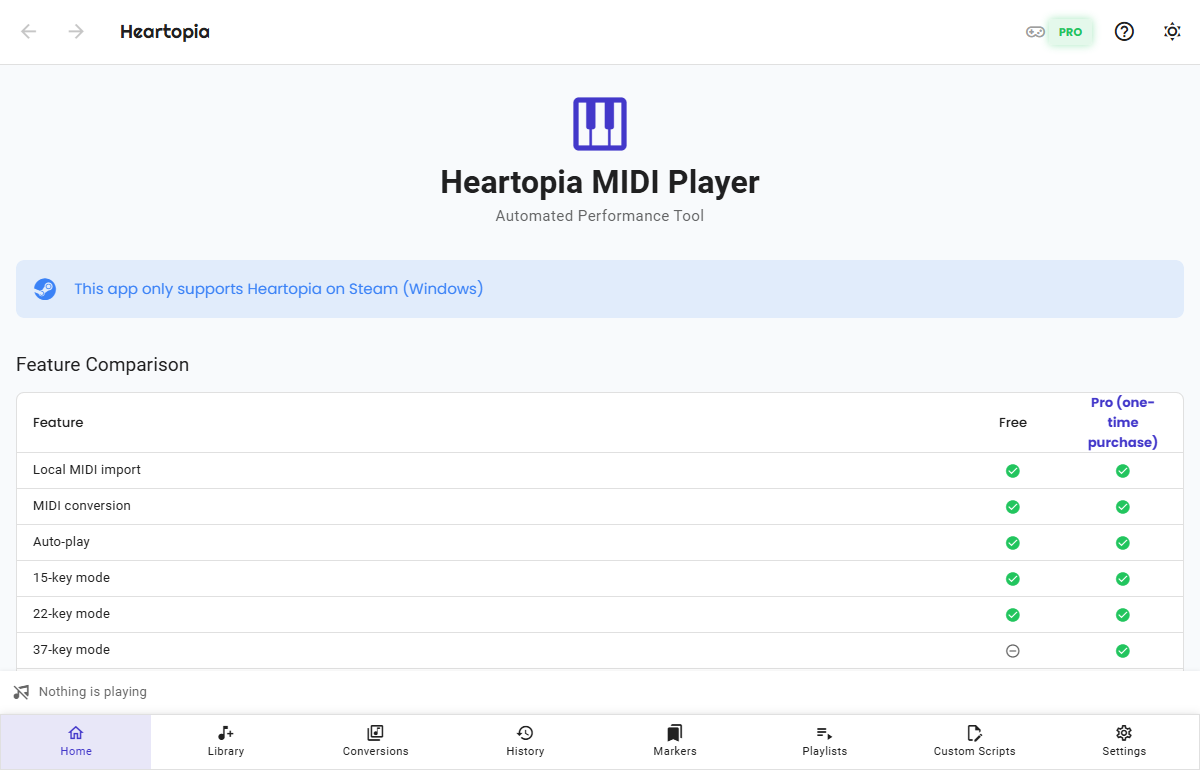
Home
An overview of what the app can do.
Home is the starting point of the app: see at a glance what the free and Pro tiers each offer, plus the 15 / 22 / 37-key layout diagrams so you can check your hand position before playing.
- The free vs Pro feature comparison at a glance
- Key layout diagrams for 15 / 22 / 37 keys to guide your hand position
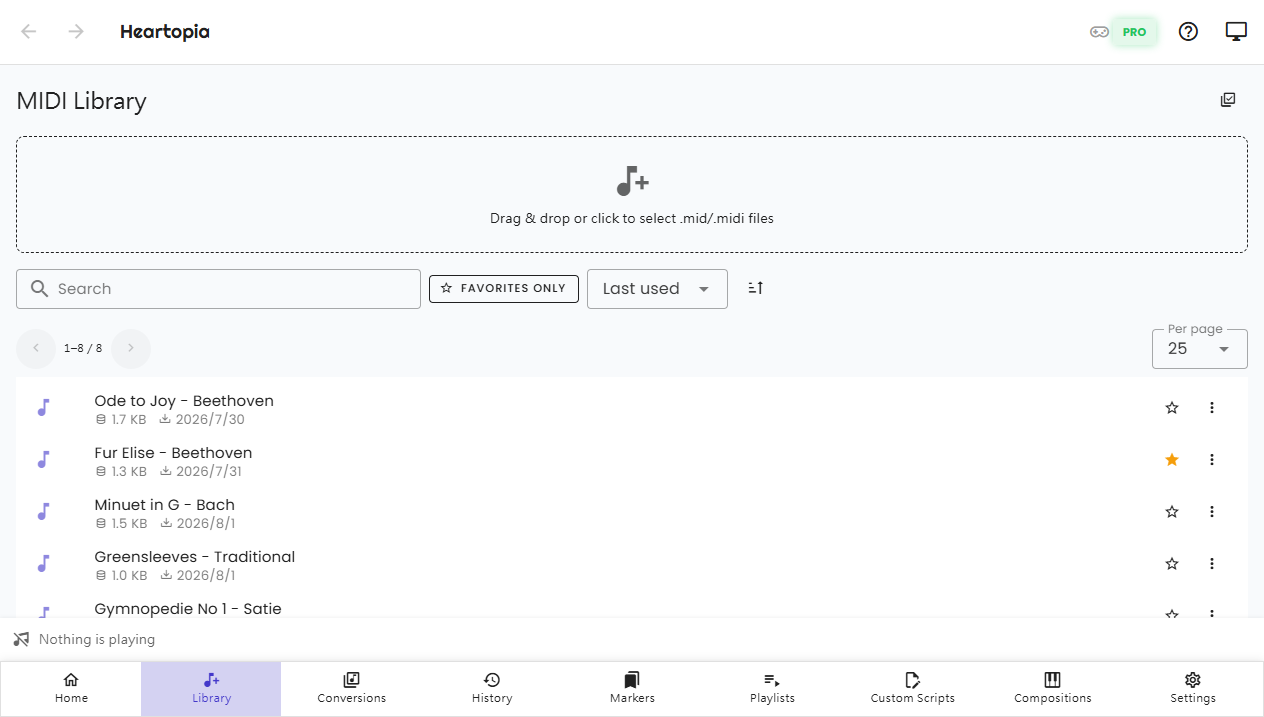
Music library
All your imported MIDI files live here.
The library manages every MIDI you import: drag .mid files in and they are imported on the spot, with duplicates detected automatically. Open any song to create conversions in different key counts and styles, then play or preview them right away.
- Drag-and-drop import — the same file never takes up space twice
- Create 15 / 22 / 37-key conversions in several styles per song (37-key is Pro)
- Preview finished conversions with the piano roll — no game needed
- Notes and favorites keep your go-to songs easy to find
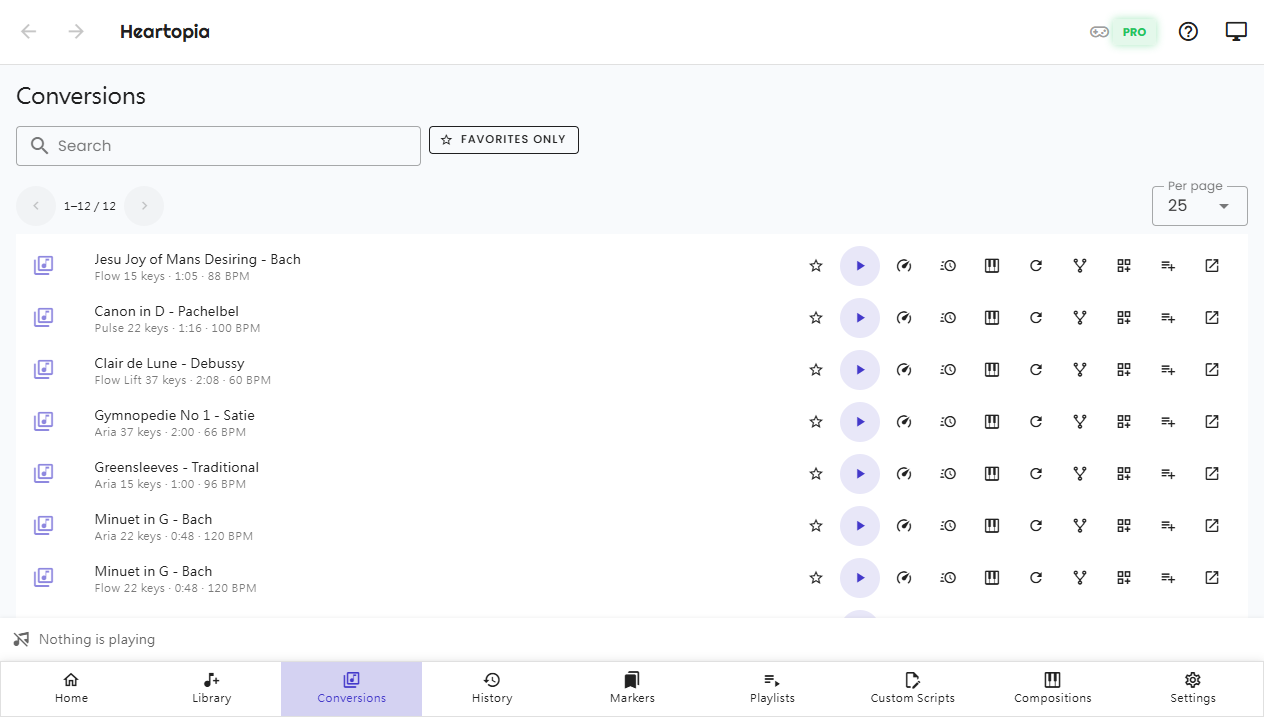
Conversions
Turn a MIDI into a game-ready performance.
The conversions page gathers every finished conversion script in one place: no digging through the library song by song — search, filter by favorites, play, or preview, all from here.
- Browse every conversion script with search and favorite filters
- Piano-roll preview: falling notes with a local piano sound
- Play at custom speed (0.25x – 4x) Pro
- Jump back to the source MIDI in one click
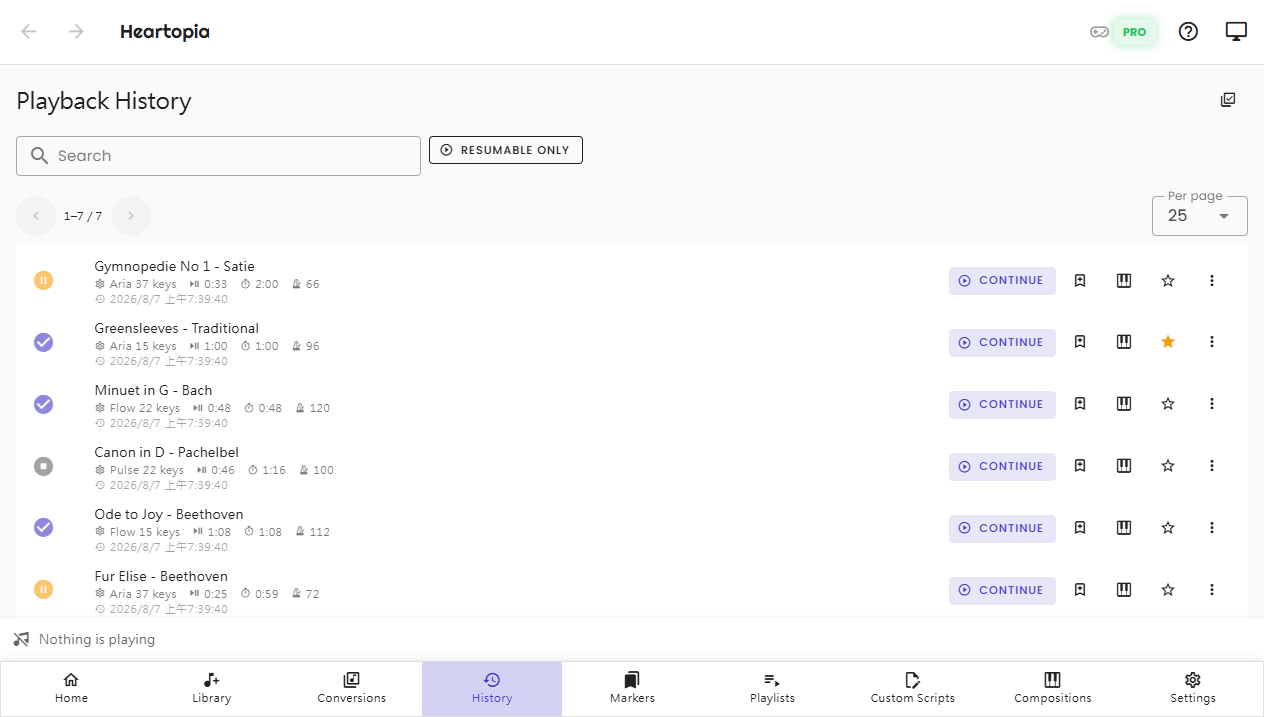
History
Your full performance history, ready to resume.
Every performance leaves a record: which song, how far you got, and when. Add notes or favorites to keep things tidy; with Pro you can resume right from where you stopped instead of starting over.
- Every playback is recorded automatically — nothing to save by hand
- Resume exactly where you left off Pro
- Notes and favorites to find frequent records fast
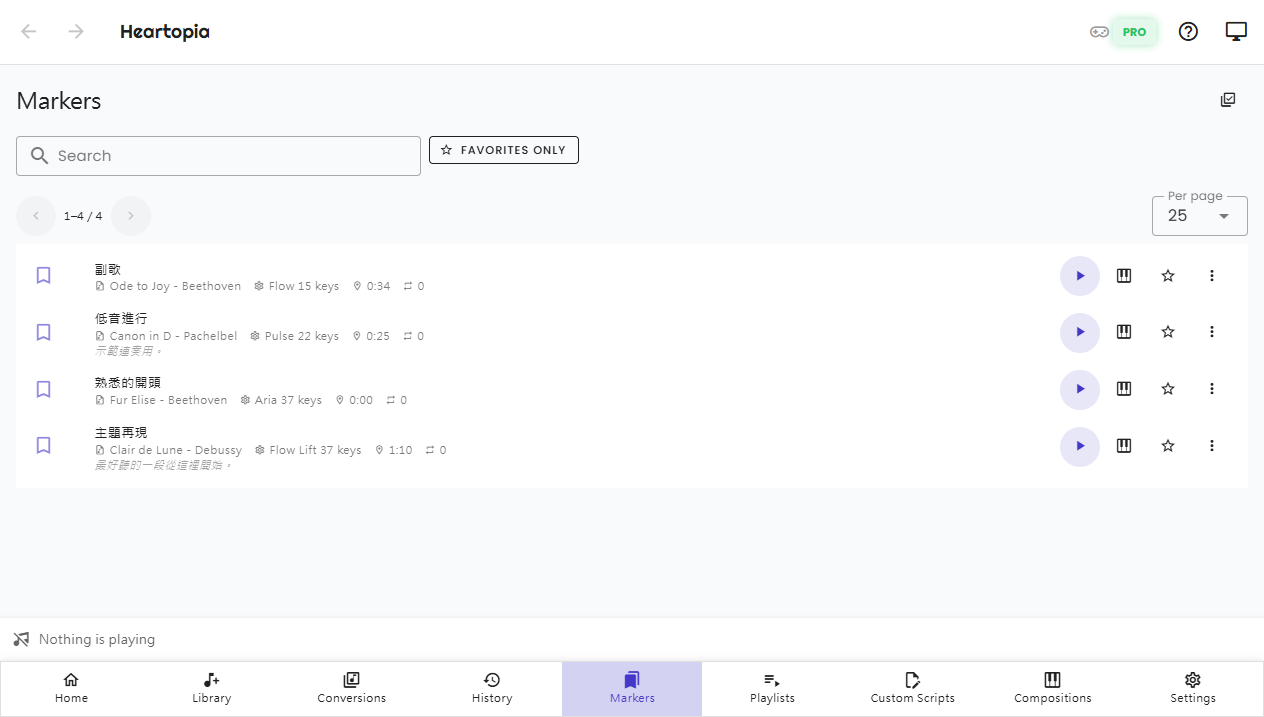
Markers
Save the sections you love and start right there next time.
Markers are reusable starting points: save the chorus, a showcase section, or a practice passage, and next time start playing right from the marker — no hunting for the spot every time.
- Save any position as a reusable starting point Pro
- Start playing from a marker in one click Pro
- Browse your saved markers anytime
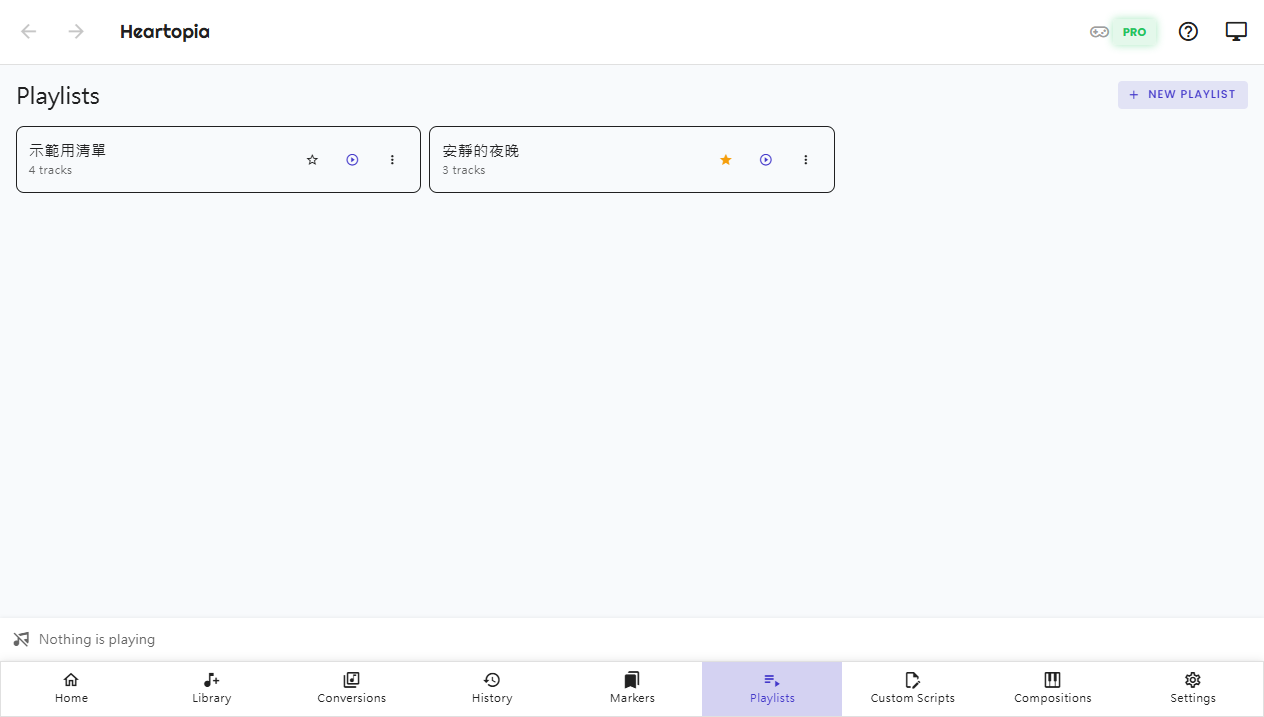
Playlists
Line up songs into playlists for continuous performance.
Playlists chain multiple conversions into one continuous performance: order them however you like, and playback hands over to the next song automatically, with progress shown in the now-playing bar.
- Free reordering — drag songs into any order you want Pro
- Continuous playback with automatic handover and clear progress Pro
- Browse playlist contents anytime
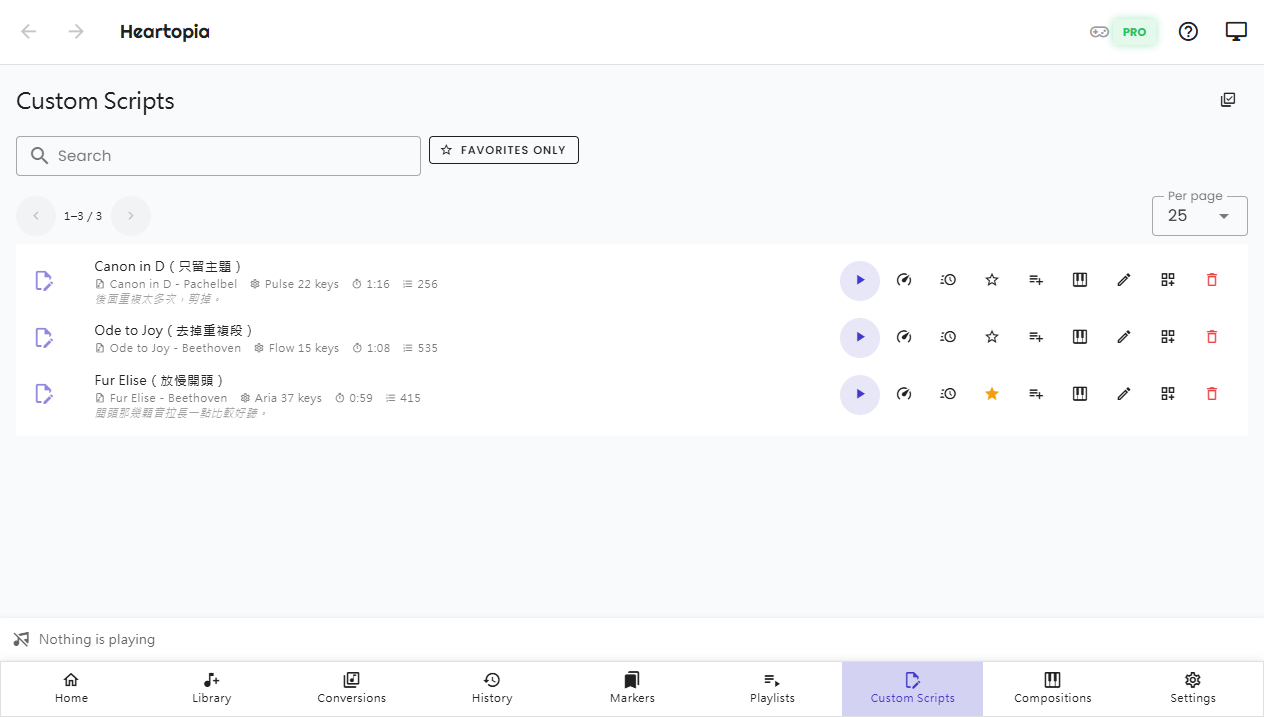
Custom scripts
Fine-tune the performance, your way.
A custom script forks an editable copy from any conversion: change the key presses and timing, then play it directly. The original conversion is never touched — if an edit goes wrong, just fork again.
- Fork an editable copy from any conversion Pro
- Edit key presses and wait times with a built-in piano-roll preview Pro
- Play your edit directly while the original stays intact Pro
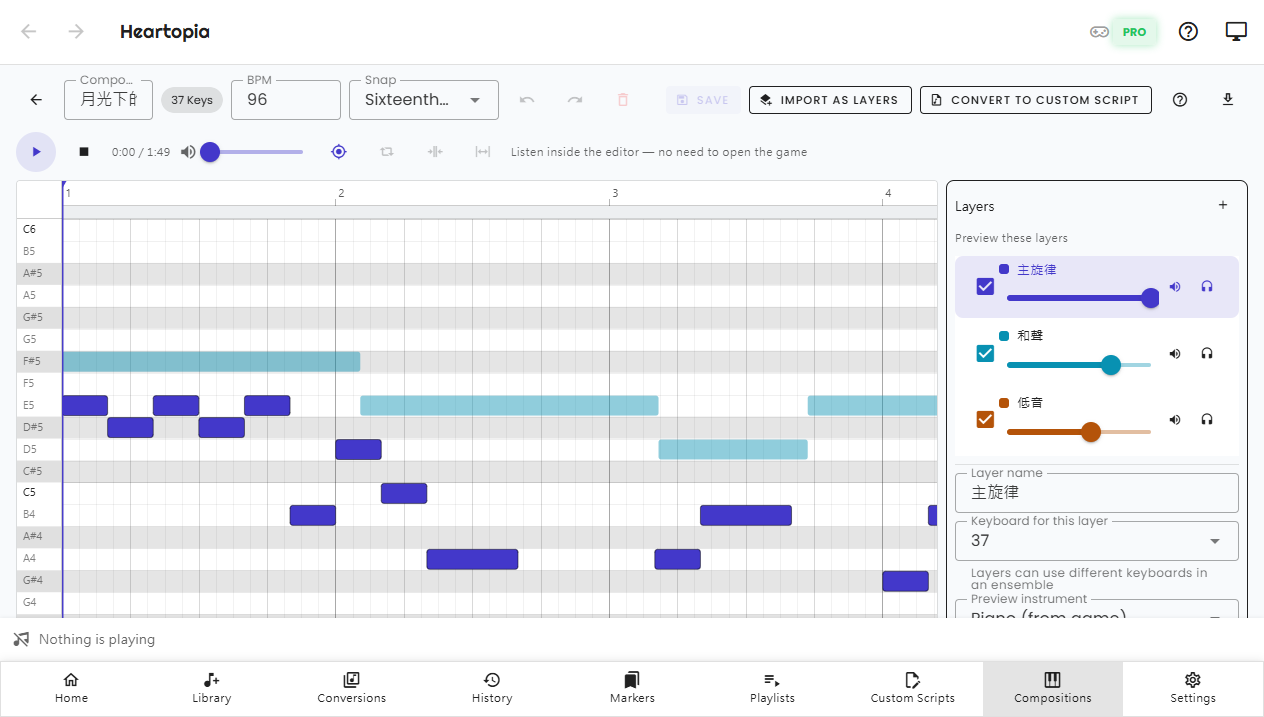
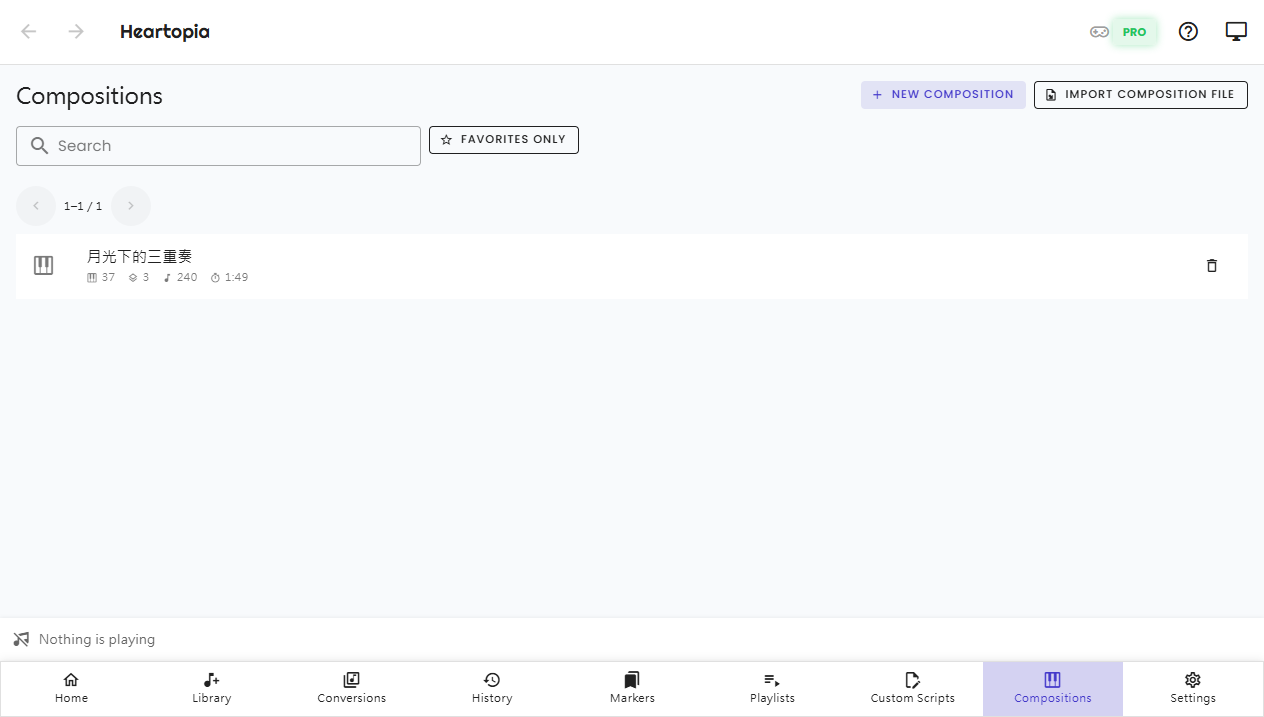
Compositions
Layers of notes, one instrument each.
A composition turns an idea straight into notes: stack a layer per instrument and hear it in the editor. To perform it for real, turn one layer into a custom script and play it the usual way.
- Arrange in layers, one instrument per layer Pro
- Pick a voice per layer and audition them together Pro
- A volume per layer, so you can balance them against each other Pro
- Turn a layer into a custom script and it becomes playable Pro
- Save it as a composition file to share, or export MIDI Pro
Settings
Language, appearance, and connection in one place.
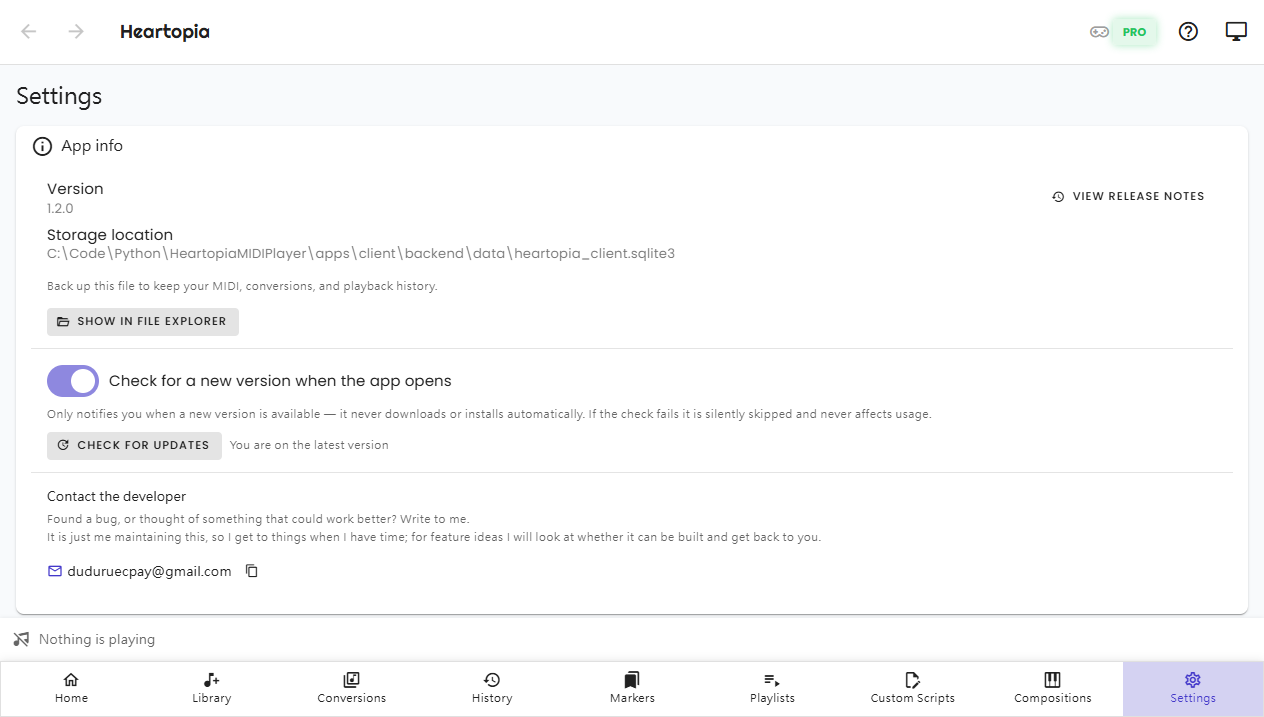
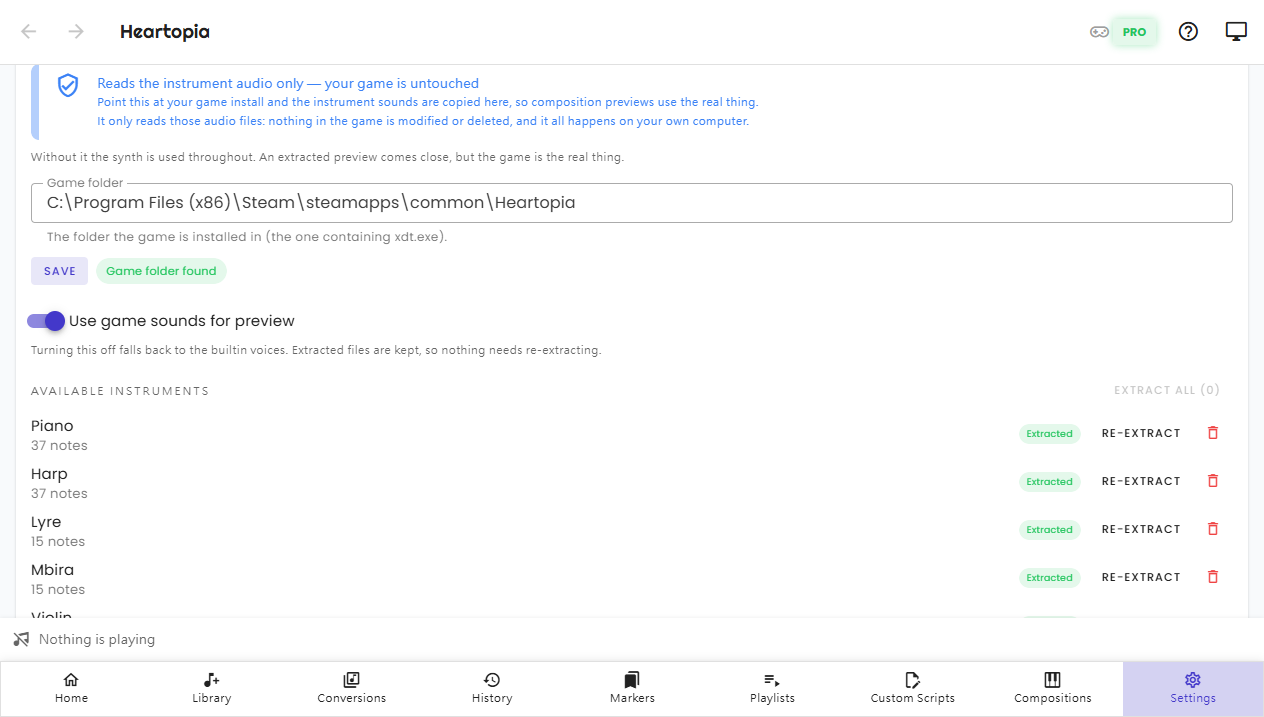
Settings gathers every preference and advanced option: interface language, light / dark theme, global hotkeys, LAN remote control, your Pro activation code, and extracting instrument voices from your own copy of the game.
- Language, light / dark theme, and font size
- Global hotkeys: control playback from inside the game window (some features need Pro)
- LAN remote control: drive the performing PC from another device
- Paste your activation code to unlock Pro
- Extract instrument voices from your own game install, so composition previews use the real thing
Ready to try it?
The free download imports, converts, and plays automatically; buy Pro once when you need the advanced features.